ASCII Art Generator
Convert any image to ASCII art instantly with Asciify, a free online ASCII art generator. Upload a photo, screenshot, or illustration and watch it transform into text-based artwork made entirely from keyboard characters. Our image to ASCII converter runs entirely in your browser — your files never leave your device.
Choose from five character sets, adjust the output width from 40 to 200 columns, apply retro CRT effects, and export your creation as TXT, PNG, animated GIF, or HTML. Whether you want to convert an image to ASCII art for a README, a social post, or just for fun, Asciify makes it easy.
Open the Generator →How to Convert an Image to ASCII Art
- 1
Upload your image or enter text
Drag and drop, paste from clipboard, or type a command. Supports JPG, PNG, GIF, WebP, and more.
- 2
Choose ASCII characters and output size
Pick a character set (simple, detailed, blocks, dots, or minimal), set the width, and toggle color inversion.
- 3
Copy or download your ASCII art
Export as plain text, styled PNG with glow effects, animated GIF, or a self-contained HTML+CSS file. Share it in the gallery.
Frequently Asked Questions
- How does an ASCII art generator work?
- An ASCII art generator analyzes each region of your image for brightness, then maps that value to a printable character. Darker areas use dense characters like @ or #, while lighter areas use dots or spaces. Asciify performs all processing client-side in your browser, so your images are never uploaded to any server.
- Can I convert any image to ASCII art?
- Yes! Asciify supports JPG, PNG, GIF, WebP, and most common image formats. You can upload a file, paste from clipboard, or provide a URL. Photos, illustrations, logos, and pixel art all produce great results. Adjust the output width and character set to fine-tune the level of detail.
- Is this ASCII art generator free?
- Absolutely. Asciify is 100% free with no account required. There are no watermarks, no limits, and no hidden costs. All image processing runs locally in your browser for maximum privacy.
- How do I copy or download my ASCII art?
- After generating your ASCII art, use the export buttons below the preview. You can copy to clipboard instantly, download as plain text (TXT), a styled image (PNG) with glow and scanline effects, an animated GIF, or a self-contained HTML+CSS file.
Explore More
- Browse the ASCII Art Gallery — see what others have created
- Love pixel art? Play free retro games at PixelDen — free pixel art games portal.
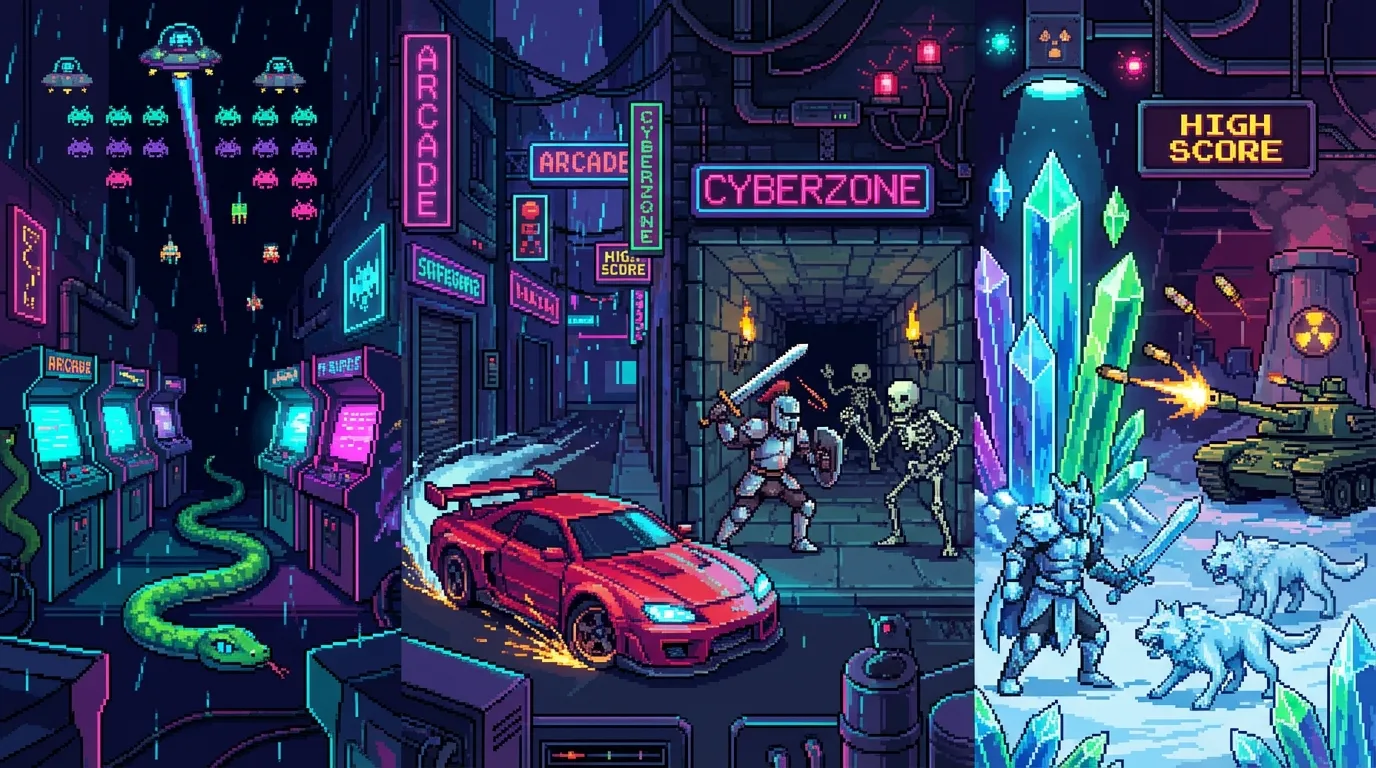
PixelDen — Free Pixel Art Games
Play 16+ free retro games in your browser. Arcade, puzzles, tower defense & more — with leaderboards and achievements.
Play Now→